Hobbies & Crafts
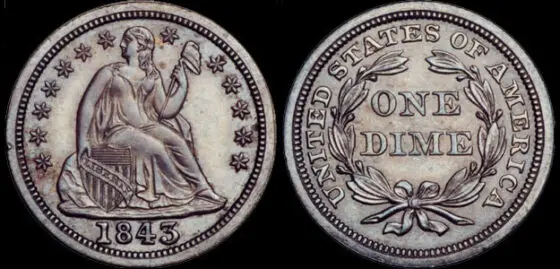
Facts About Seated Liberty Coins (Half Dimes Through Dollars From 1836 To 1891) – See How Much They’re Worth
The Liberty Seated design was first seen in 1836 on a limited number of silver dollars. By 1840, the Liberty Seated coin design had been placed on the obverse of all U.S. coins — ranging from the half dime through the dollar coin. It also appeared on the briefly struck 20-cent piece. Here’s what you need to know about the value of Liberty Seated coins.
Read more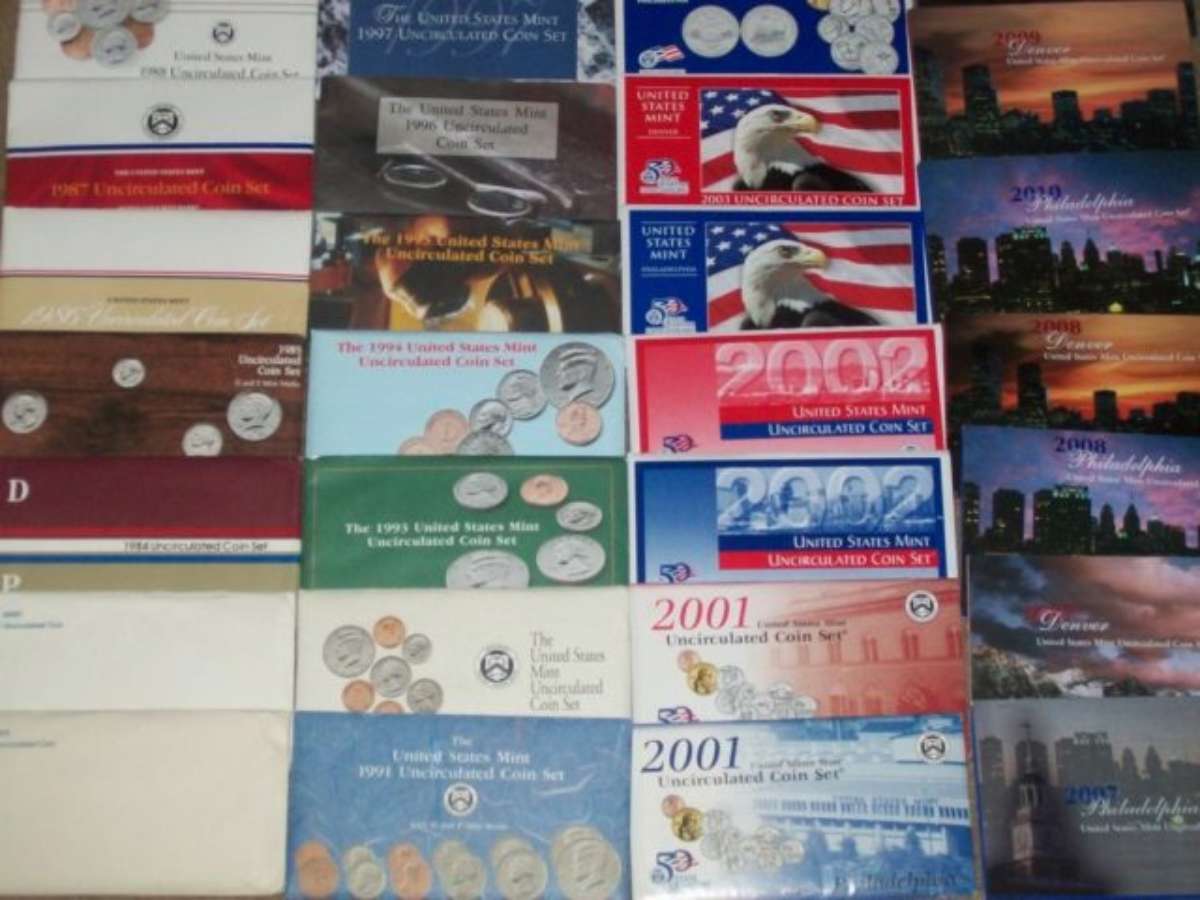
See Why Uncirculated Mint Sets Are Worth Collecting + Fun Ways To Collect Them
Collecting uncirculated mint sets from the United States Mint is a perfect way to get most, if not all, of the examples of coins found in pocket change from each year! Uncirculated coin sets have been issued by the United States Mint since 1947, and they’ve been offered almost every year since then. See what U.S. mint sets are worth, plus my personal tips and strategies for building a really cool mint set collection.
Read more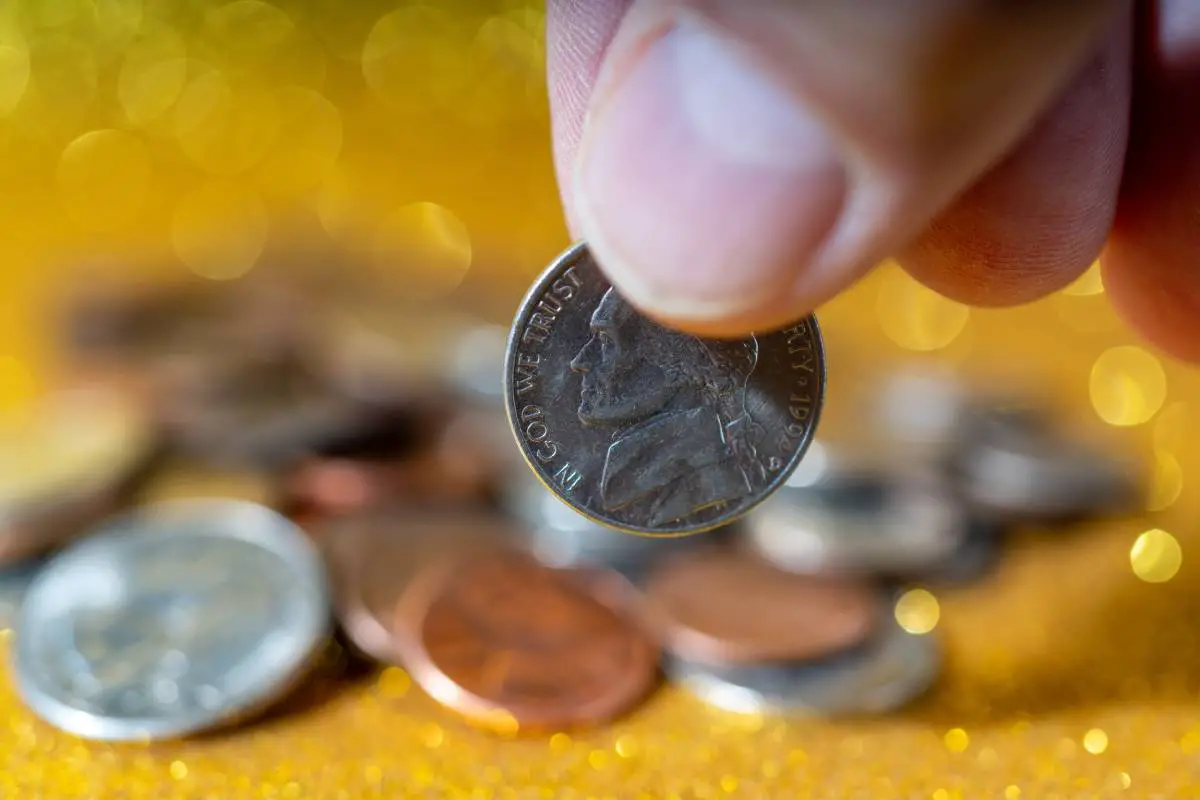
There’s A 1994 Nickel Worth More Than $1,700 (See What Makes 1994 Nickels Rare & Valuable)
1994 Nickel Value – See the current value of all 1994 nickels, including rare varieties and errors. Learn how to identify valuable nickels from 1994.
Read moreHome & Garden



Outdoor Fun

Pros & Cons of Jeep Wrangler Unlimited: A Review
Here’s a Jeep Wrangler Unlimited review. For the most part, it’s ALL positive — there are far more pros than cons to Jeep Unlimiteds. Overall, a Jeep Wrangler is comfortable. It’s practical. And, it’s FUN! Enjoy this Jeep Unlimited review…